How to Add an EIC from Admin
Login to the Manuscript ERP with your credentials. On successful login, you'll land on the Manuscript dashboard.
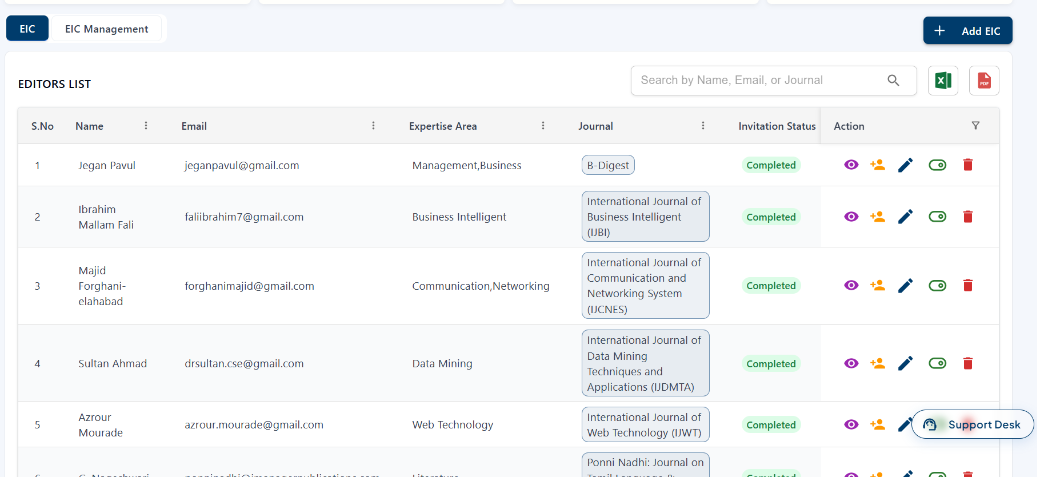
 From the top navigation bar, click Editorial to open the Editorial section, then click the EIC tab. The EIC Management page opens, where you can view and manage EIC details, including their name, email, expertise area, assigned journal, and invitation status. You can use the View, Assign, Edit, Active/Inactive, and Delete icons to manage the EIC, you can also impersonate the EIC login to access the EIC account. This allows you to view the submitted papers, check their status, and perform the available actions on the papers.
Adding a EIC
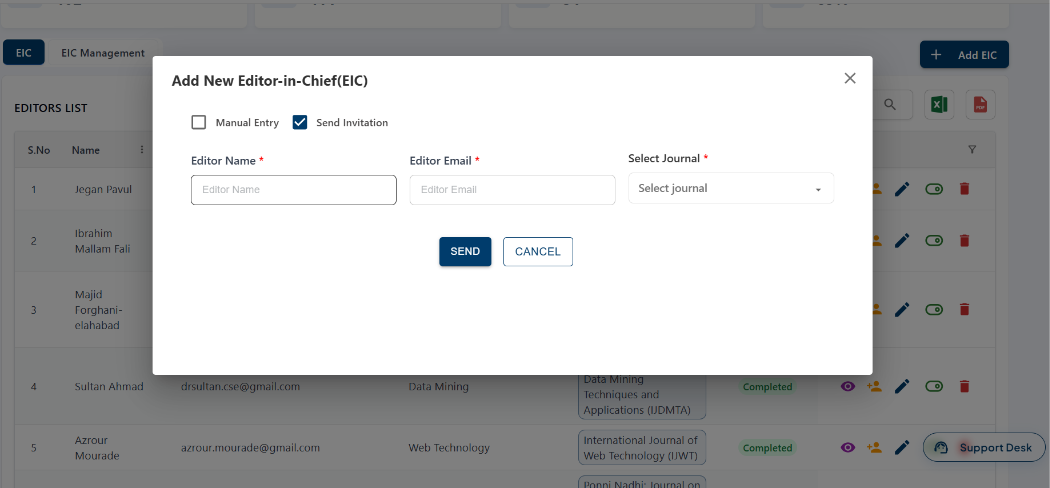
In the EIC Management page, click Add EIC. In the Add New Editor-in-Chief (EIC) window, enter the Editor Name, Editor Email, and select the Journal. Select Manual Entry or Send Invitation as required, then click Send to add the EIC.